Play Dots & Boxes.
Complete a square. Claim another turn. Play solo against the computer, or invite friends to your table.
Choose how to play 1 player vs computer or 2 players · Free to play · No account needed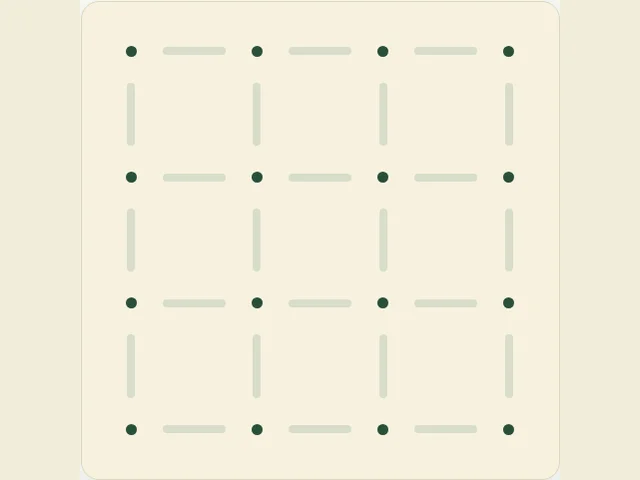
Choose how to play.
1 player against the computer
No account needed. Play at your own pace.
Your level is remembered on this device. Solo games are unrated.
Online play needs a connection. Invitation rooms are private and expire seven days after the last move. Local play works on one device without connecting to the room service.
How to play Dots & Boxes
Players alternate drawing one unused edge on a 3 × 3 box board. Completing the fourth side of a box claims it and gives another turn. An edge can complete two boxes. When all nine boxes are owned, most boxes wins. All information is public.
Before you play
How many people can play Dots & Boxes?
Play solo against the computer, or with 2 players. Choose your mode above before starting.
How do I invite friends?
Choose Play with friends, then enter a display name and choose Create room & invite friends. Copy the invite link and send it to your friends. They enter their own names to join; no account or download is needed. Only people with the link or room code can join.
Can we play on one device?
Yes. Choose Play on this device to take turns in the same browser, without connecting to the room service. JavaScript is needed for both local and online play.
Can I play against the computer?
Yes. Choose Play solo, pick Easy, Normal or Hard, then Start solo game. You can change the level during a game. No account or room connection is needed.
Is Dots & Boxes free to play?
Yes. Local tables and private online rooms are free to play. Online play needs an internet connection; rooms expire seven days after the last move.